
SUPPORT — TILE FITTING PUZZLE
One piece at a time.
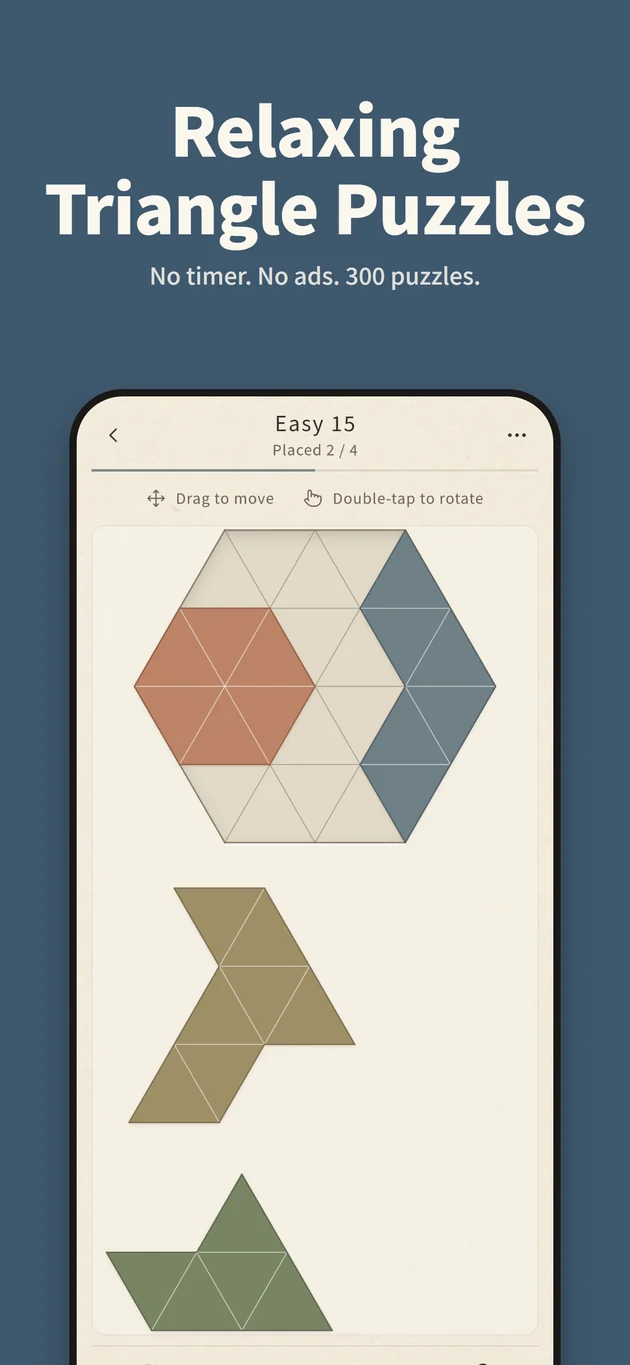
A calm, paper-like puzzle game about fitting triangle pieces into a shape. No timer and no score. Alongside the classic puzzles you can play puzzles with one spare piece, puzzles where pieces of the same color may not touch, puzzles where touching edges must match in color, and a 3D mode where you stack blocks into a solid.
No ads · 10 free puzzles per level · One-time unlock for all 300 · No account · iOS
Screenshots
01
No timer, no score
Open it when you have a moment and close it when you're done. Play at a pace with no pressure.
02
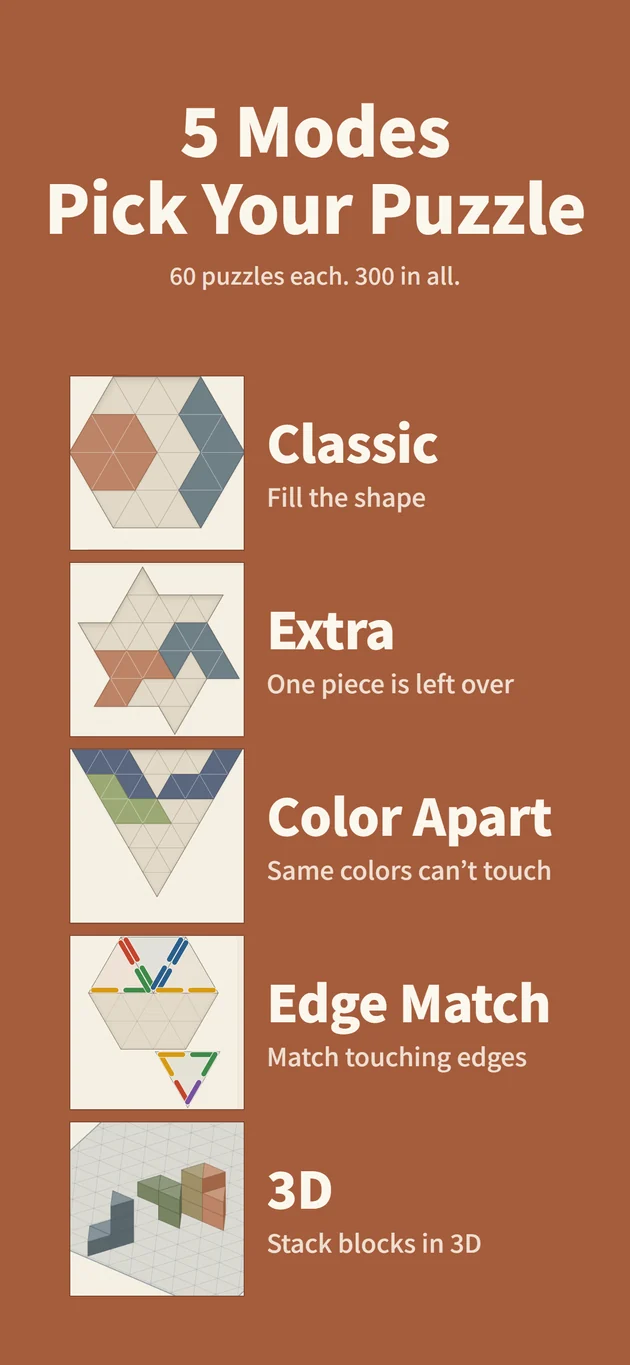
Five ways to play
Classic, Extra, Color Apart, Edge Match and 3D (60 each) in Easy, Intermediate and Advanced, plus a new daily puzzle every day.
03
Your history
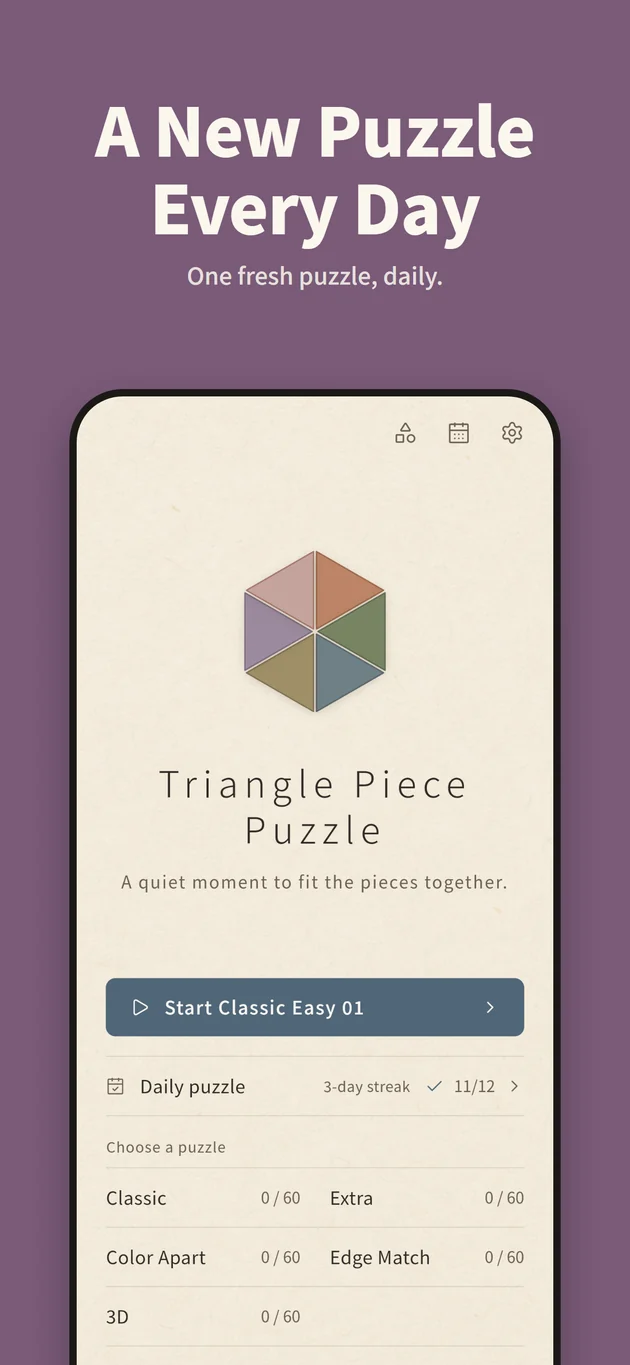
A calendar on the home screen shows the days you played and the puzzles you cleared, plus your streak.
Overview
How to play (Classic)
-
Pick a piece
Tap a piece to select it.
-
Turn it
Double-tap or use the rotate button to turn it 60 degrees at a time. Trying the angle off the board first helps.
-
Place it
Drag it onto the board. Placed pieces can be picked up again at any time.
-
Fill every cell
Fill the whole board with no gaps or overlaps to clear it. Stuck? A hint shows where one piece goes.
More ways to play
Extra
One piece too many
Not every piece is used. Work out which one you don't need, then fill the board.
Color Apart
Same colors never touch
Fill the board so that pieces of the same color are never neighbors.
Daily puzzle
A new one every day
A different puzzle each day. Today and the six days before it are free, and your streak is shown.
Edge Match
Match the edge colors
Fill the shape and also match the colors where pieces touch. Five colored bands guide you.
3D
Stack the blocks
Stack blocks made of triangular prisms on the floor to build the same solid as the target, which you can turn freely.
How to play 3D mode
-
Study the target
Drag the target panel to see the finished solid from any angle. Pinch or use the buttons to zoom; the blue face touches the floor.
-
Turn the block
Double-tap a block to turn it sideways. Use the Flip button to turn it over.
-
Stack it
Drag it onto the floor. A block rests on the one below it, and pointing at bare floor slides it in under another block.
-
Match the target
Build the same solid with every block to clear it. Where and which way round you build it is up to you.
FAQ
Is the app free?
The first ten puzzles of each mode and level (150 in all) are free, with no ads. A single one-time purchase unlocks the rest.
How do I unlock every puzzle?
Open Settings and choose Unlock all puzzles. Puzzles you have already played or cleared stay open without buying. After changing devices or reinstalling, use Restore purchase on the same screen. If you bought Remove ads before, restoring it unlocks every puzzle.
How do I rotate a piece?
Tap a piece to select it, then double-tap or use the rotate button to turn it 60 degrees at a time.
How does 3D mode work?
Drag a block to move it across the floor. Double-tap turns it sideways; use the Flip button to turn it over. A block rests on whatever is below it, and pointing at bare floor lets you slide it in under another block.
How do I read the 3D target?
Drag the target panel to look at it from any angle, and pinch or use the buttons to zoom. The blue face is the one that touches the floor. Drag the build floor to change your own view.
Can I move a piece I've already placed?
Yes. Placed pieces can always be picked up and repositioned, on the board or off.
What does the hint do?
It quietly shows where the next piece goes. In 3D mode it colors one block's place in the target.
Does viewing the solution count against me?
No. Viewing the full solution from the menu does not affect your clear record.
What is the history calendar?
Tap the calendar icon on the home screen to see the days you played and the puzzles you cleared, plus how many days in a row you've played. It is stored on your device.
Where is my progress saved?
Your clears and in-progress puzzles are saved automatically on your device. No account is needed.
Can I change the sound volume?
Yes. In Settings, set Sound effects to Off, Quiet or Normal.
What is the board collection?
Open it from the shapes icon on the home screen. It shows the shape of every board; the ones you have cleared fill in with color. Tap a shape to play that puzzle.