
SUPPORT — MASTERPIECE PUZZLE
Put a masterpiece back together.
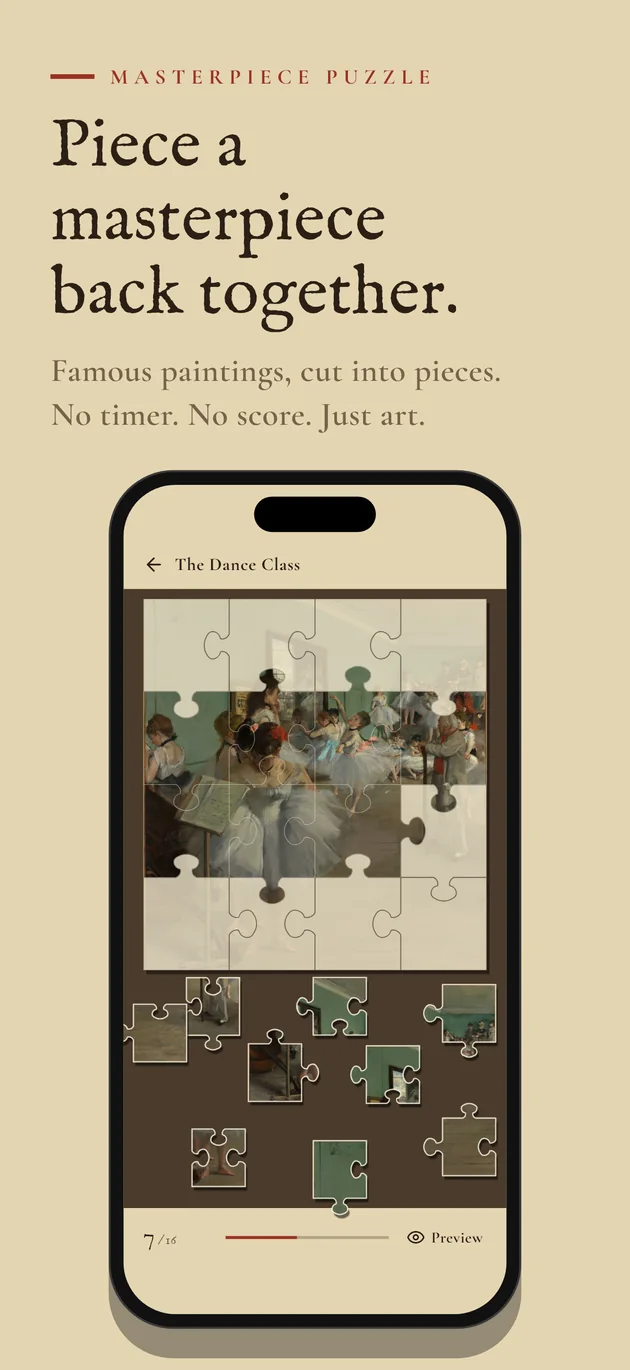
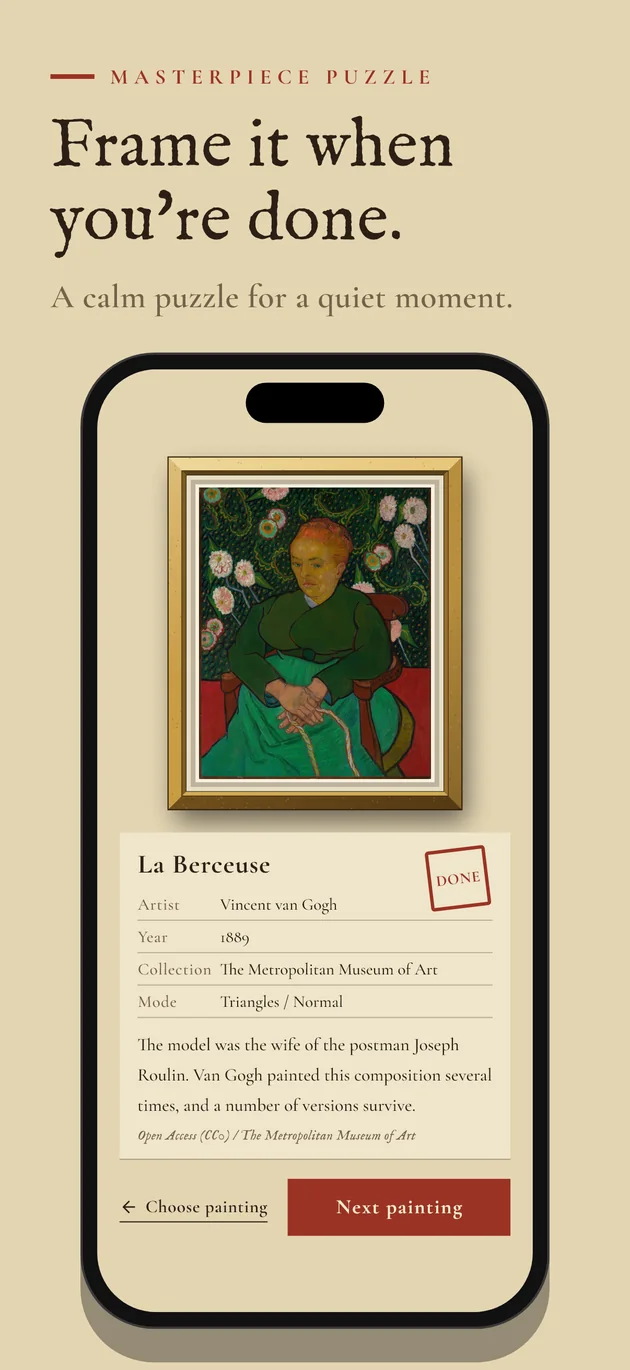
A quiet puzzle game in which a famous painting is cut into pieces and you put it back together. Choose a painting from a gallery wall, then a piece style and a difficulty. No timer and no score.
Free · 124 Western paintings · 3 piece styles · 3 difficulties · No account · iPhone and iPad
Screenshots
01
No timer, no score
Open it when you have a moment and close it when you are done. Take as long as you like with each painting.
02
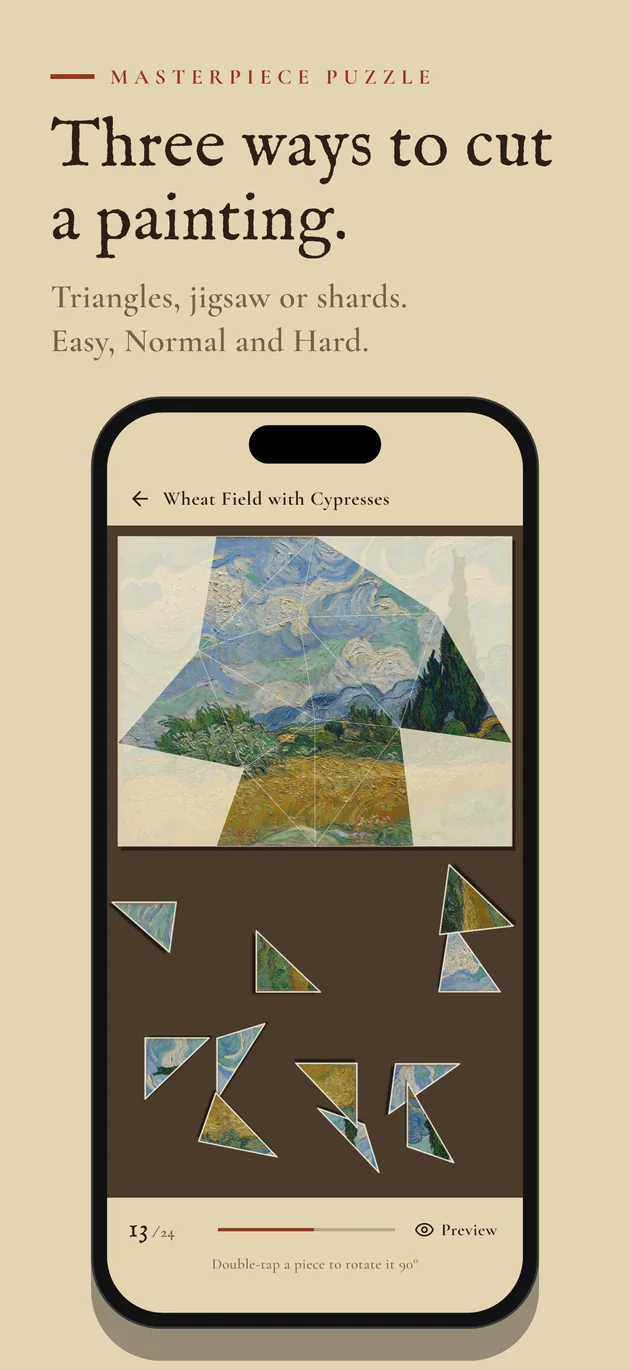
Three ways to cut a painting
Triangles, classic jigsaw pieces, or irregular shards like cracked glass. Each style has Easy, Normal and Hard.
03
A gallery of your own
Swipe along the gallery wall to choose a painting. The Collection screen shows every painting at a glance: the one you played last, the ones you have played and the ones you have not.
Overview
How to play
-
Choose a painting
Swipe along the gallery wall, or open Collection to see all paintings at once.
-
Choose a piece style and a difficulty
Tap a cell in the table. A red disc shows a combination you have already cleared for that painting.
-
Place the pieces
Drag a piece from the tray onto the board. When it is close to its place and the right way up, it locks in with a click.
-
Turn pieces (Normal and Hard)
Double-tap a piece to turn it 90 degrees. Stuck? Hold the Preview button to see the finished painting.
Credits
The paintings come from the Open Access programs of The Metropolitan Museum of Art, the Rijksmuseum, the Statens Museum for Kunst (SMK) and The Cleveland Museum of Art (CC0, public domain). The fonts Cormorant Garamond, Zen Old Mincho and IM Fell English are used under the SIL Open Font License.
Questions and feedback
Use the contact form or write to abeflutter@gmail.com.