
SUPPORT — Gear Puzzle
Turn it exactly as aimed.
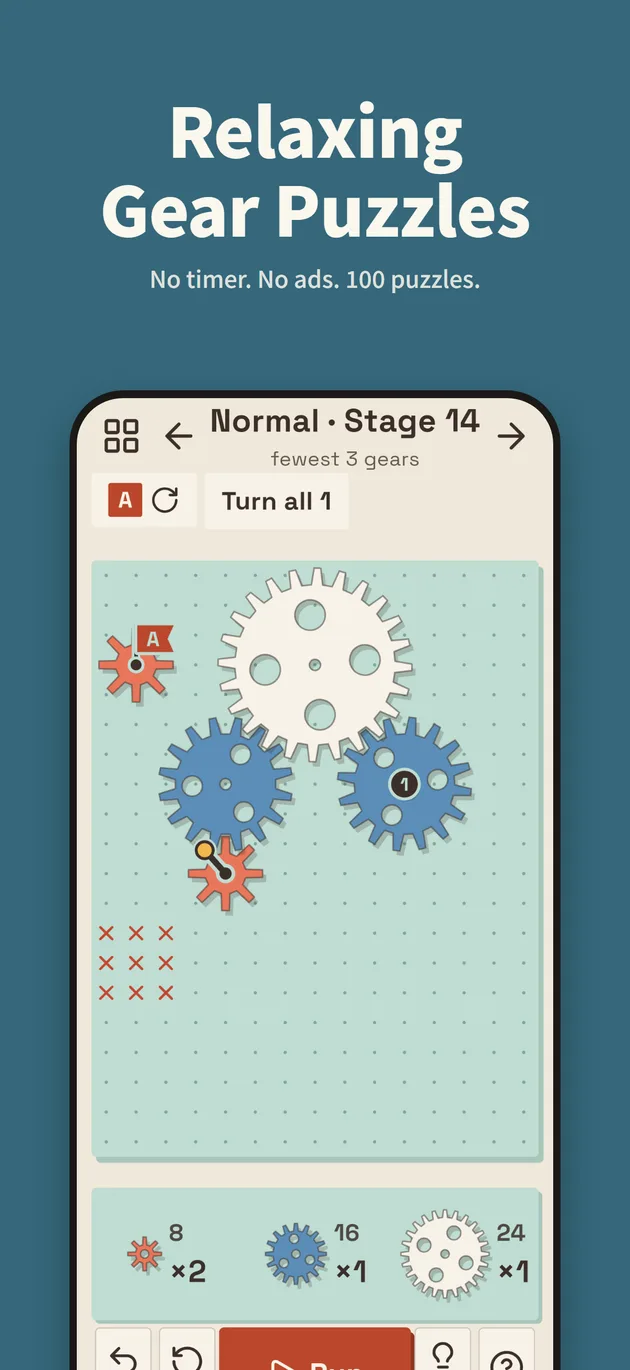
Place gears from the tray onto the board and carry the crank's turn all the way to the flag gear. No timer, no ads. Read the sizes, the directions and the speeds, and find the one layout that works.
No ads · Fully offline · All Easy stages free · No account · iOS
Screenshots
01
100 stages, plus one every day
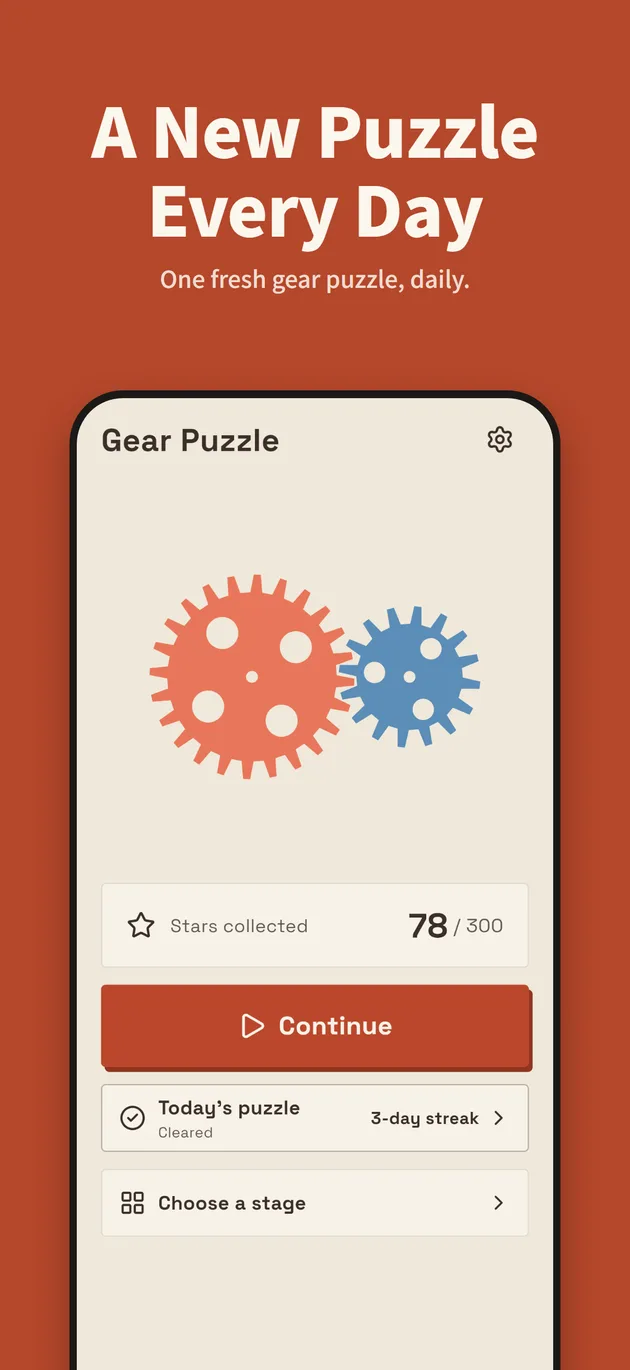
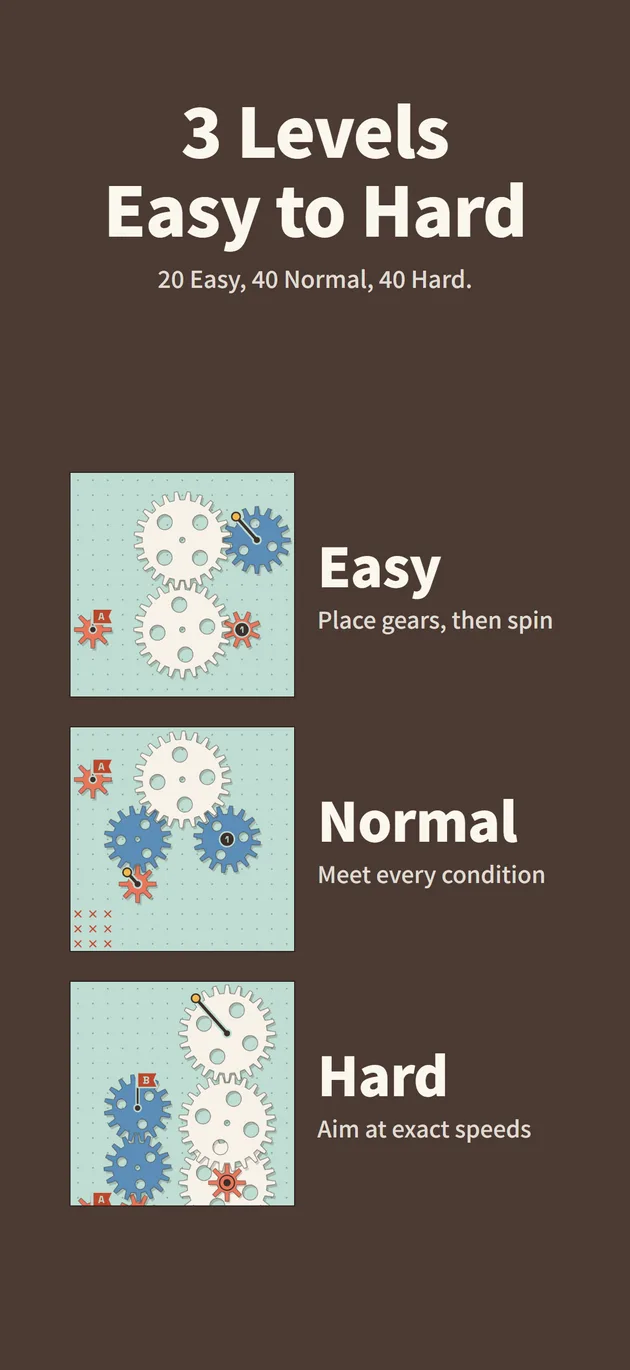
20 Easy, 40 Normal and 40 Hard stages. A fresh "Today's puzzle" appears every day.
02
Taught by doing
The first stage walks you through lifting a gear, step by step. Each new rule is explained once, the first time it appears.
03
Plays offline
No ads, no analytics. The app goes online only to buy or restore a purchase.
At a glance
How to play
-
Read the board
The crank is the gear you turn yourself. The flag is the goal gear; its tag shows the direction and speed it must turn. Rivets are gears fixed in place.
-
Place gears
Drag a gear from the tray to a hole. A ring shows on each hole where it meshes; let go near a ring. You can pick placed gears up again.
-
Press Run
Meshed gears turn in opposite directions, and smaller gears turn faster. When every tag is green, the stage is cleared.
-
Aim for three stars
Clear with the fewest gears the stage needs for three stars. If you are stuck, Hint shows the answer one gear at a time.
Reading the tags
Spin
A at a set direction and speed
The arrow is the direction (↻ clockwise, ↺ counter-clockwise). The number after × is the speed relative to the crank: ×1 is the same, ×3 is triple, ×½ is half.
Turn all / Turn any
Make the listed gears turn
"All" needs every listed gear to turn; "any" needs just one of them.
A and B
Same, opposite, faster
Turn A and B the same way at the same speed, in opposite directions, or turn A faster than B.
Gear limit
Only so many gears
Some stages cap how many gears you may place.
Stepped gears and ×
Special marks on the board
A stepped gear is two gears that turn together; the speed depends on which one you mesh with. You cannot place a gear on a × hole.
FAQ
Is it free?
All 20 Easy stages are free. The first 8 stages of Normal and of Hard are free too. There are no ads. One purchase unlocks the rest for good.
How do I unlock every stage?
Tap "Unlock all stages" on the home or stage-select screen. Stages you have already played or cleared stay open without buying. After changing phones or reinstalling, use "Restore purchase" in Settings.
How do I place a gear?
Drag a gear from the tray at the bottom to a hole on the board. While you drag, a ring shows on every hole where the gear would mesh, and the gear snaps to the nearest ring. You can pick placed gears up again at any time.
What does "Run" do?
It turns the gears you placed so you can check them. Each condition tag turns green when it is met; when every tag is green, the stage is cleared. A tag turns red if the layout breaks it.
How are stars decided?
Clear a stage with the fewest gears it needs for 3 stars, one more for 2 stars, anything else for 1 star. A cleared stage always earns at least 1 star.
Why is a gear stuck (shown in red)?
Meshed gears turn in opposite directions. If a layout forces two neighbours to turn the same way, the gears jam and show in red. Smaller gears turn faster.
What does Hint do?
It shows the gears of the answer one at a time, as dotted outlines. It does not change your stars.
What is the daily puzzle?
The "Today's puzzle" card on the home screen: one new stage each day. It is picked from your device's date, so it needs no connection. Your streak of cleared days is shown too.
Where is my progress saved?
Your cleared stages, stars and settings are saved on your device automatically. No account is needed. "Erase progress" in Settings clears everything.
Can I turn off sound and vibration?
Yes. Sound and vibration have separate switches in Settings. You can also set the appearance (System, Light, Dark) and the language (Japanese, English) there.