
SUPPORT — WORDFIZZ
Squishy word games.
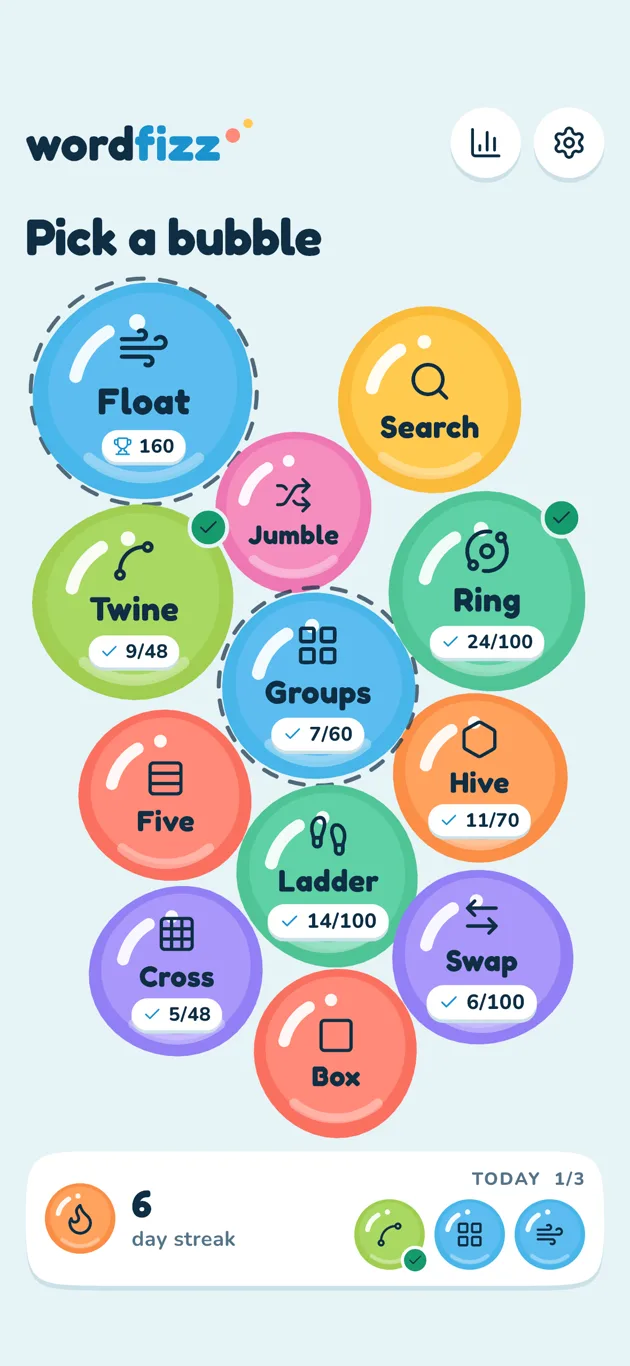
Twelve word games in one bubbly app: word search, five-letter guessing, crosswords, groups, ladders and more. Poke a bubble, pick a game and keep your daily streak going. Everything squishes, bounces and pops.
Coming soon to the App Store.
Free with ads, or remove them once · Hundreds of puzzles · No account · English · iPhone and iPad
Screenshots
01
Twelve games, one cluster
Every game is a bubble on the home screen. Poke one to dive in, or flick the bubbles around: they bounce off each other.
02
Hundreds of puzzles
Ring, Search, Hive, Cross, Twine, Groups, Ladder, Box and Swap have 686 puzzles in all. Float, Five and Jumble deal fresh words every time.
03
A little every day
Finish one puzzle a day to grow your streak. Every seventh day in a row earns a streak freeze that covers a missed day.
Overview
Twelve ways to play
Float
Tap the letters of the word as they float up, in order, before the clock runs out. Combos score more.
Ring
Swipe across the letters on the wheel to fill every slot with a word. 100 puzzles.
Search
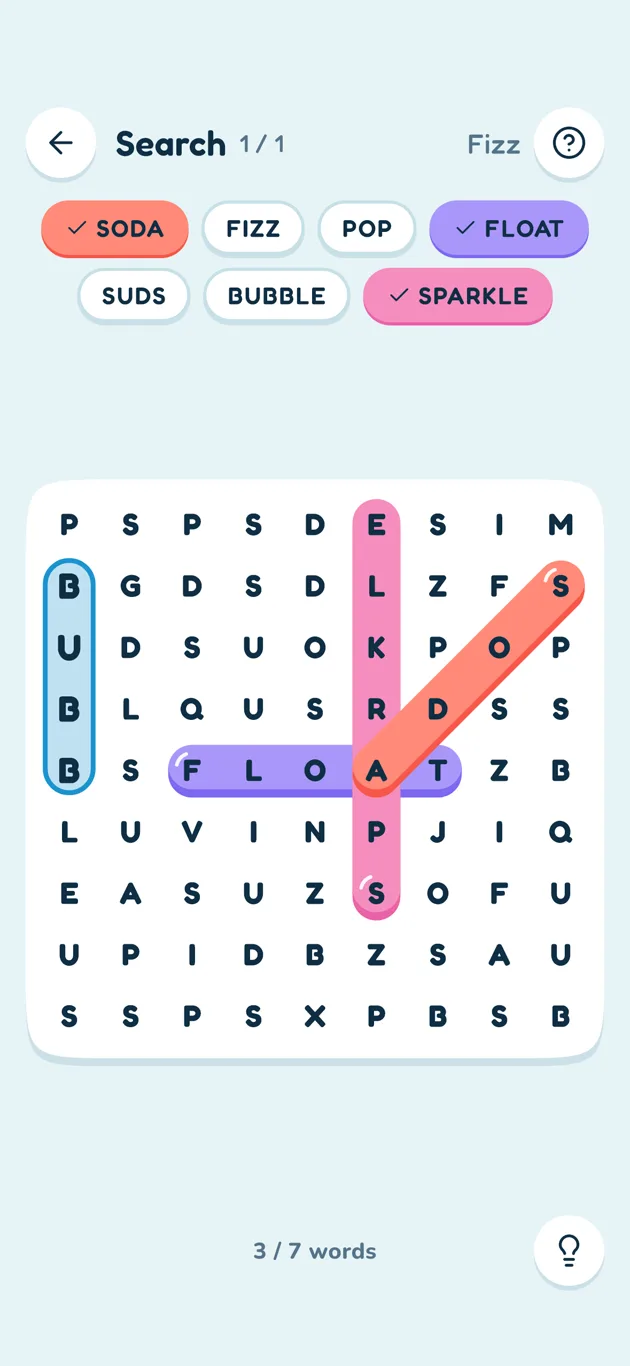
Find the hidden words, across, down and diagonally. From the fourth grid on they run backwards too. 60 themes.
Five
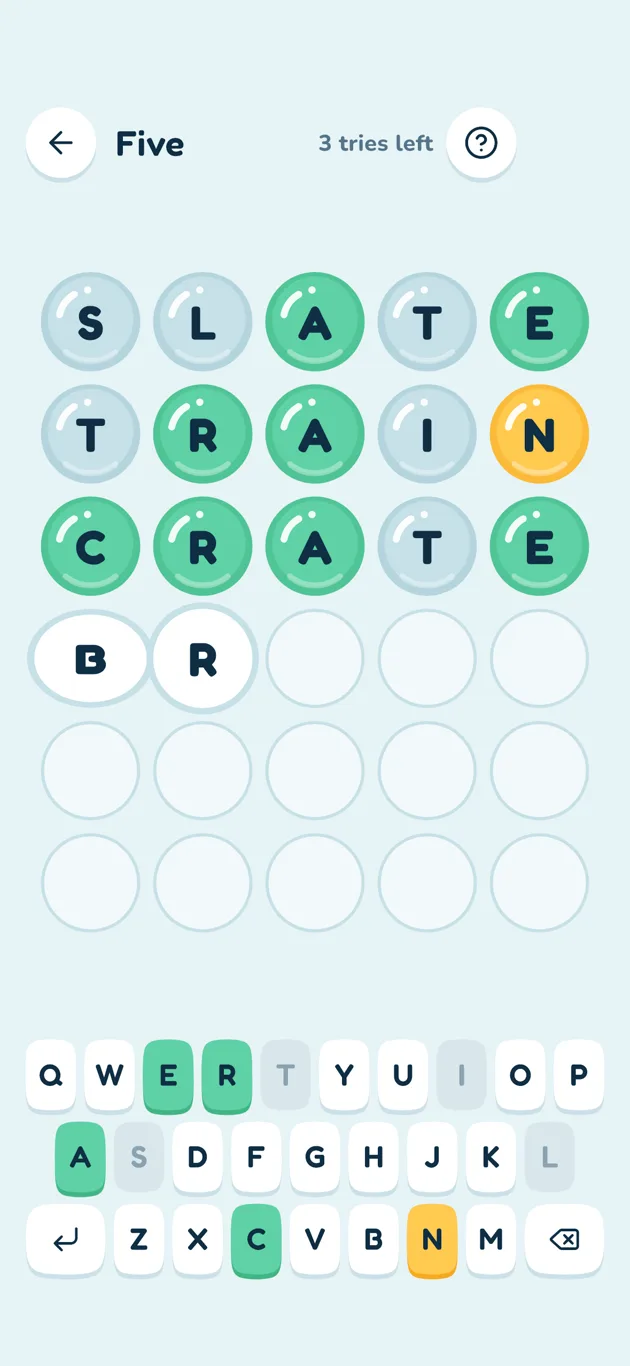
Guess a five-letter word in six tries. The bubbles light up as you go.
Hive
Make words from seven letters, always using the middle one. Find the pangram that uses all seven. 70 puzzles.
Cross
Small crosswords where each word checks itself when you fill it in. 48 puzzles.
Jumble
Unscramble eight words by tapping the letters in order.
Twine
Trace the theme words on a letter board; one word, the spangram, crosses the whole board. 48 puzzles.
Groups
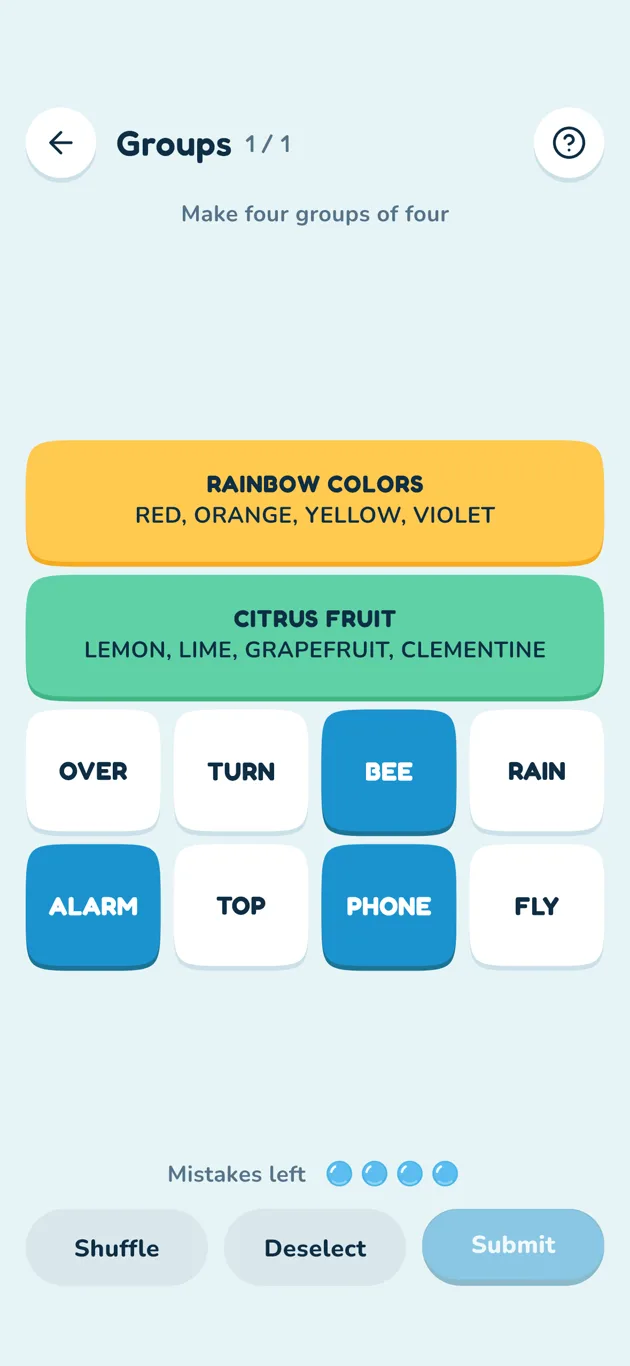
Sort sixteen words into four groups. Four mistakes allowed, and some words fit more than one group. 60 puzzles.
Ladder
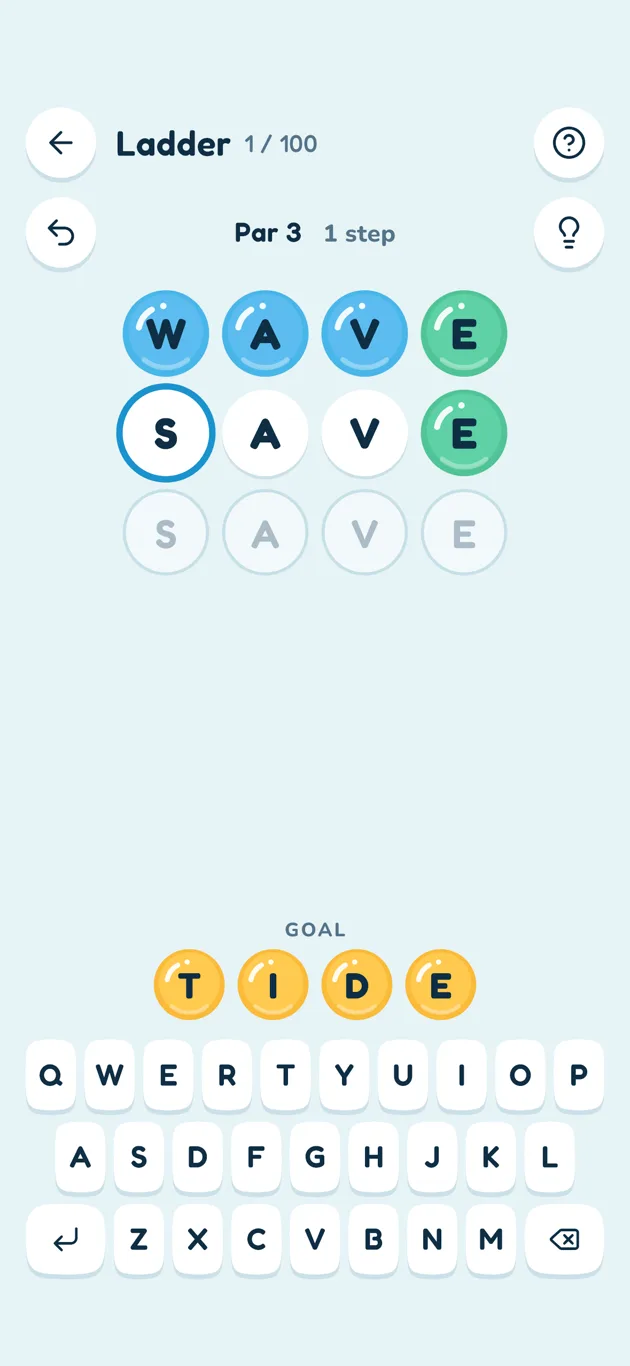
Change one letter at a time to get from one word to another. Beat or match par. 100 puzzles.
Swap
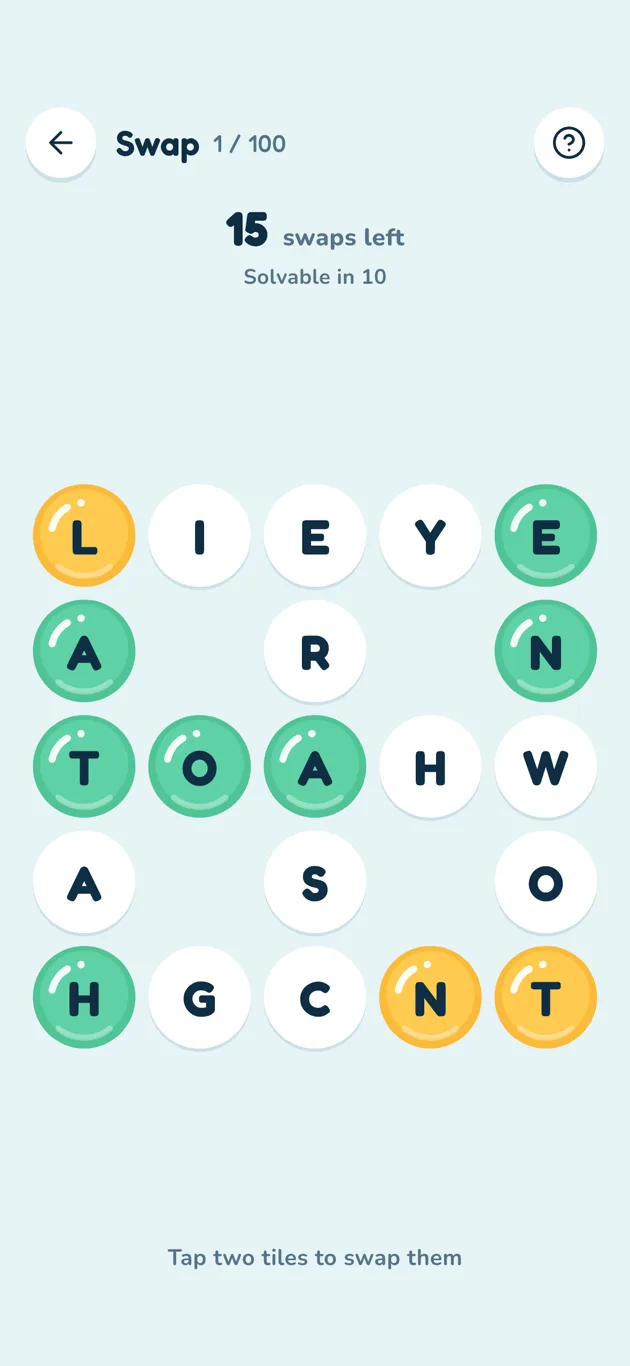
Swap the tiles of a waffle until every row and column is a word. Every board can be solved in 10 swaps. 100 puzzles.
Box
Spell words around a square, never two letters from the same side in a row, and use all twelve letters in five words or fewer. 100 puzzles.
Getting started
-
Poke a bubble
Tap a game on the home screen. The first time, its rules appear by themselves.
-
Play
Every game has a ? button at the top right with its rules, and a hint (light bulb) where it makes sense.
-
Finish a puzzle
A sheet shows how you did. Tap Next for the next puzzle, or go back to the bubbles.
-
Keep the streak
Finish at least one puzzle a day, win or lose. Today's three games are at the bottom of the home screen.
FAQ
Is the app free?
Yes. Wordfizz is free and supported by ads. The only ad is a full-screen one shown before a game starts, at most once every 15 minutes. Ads never appear while you are playing.
How do I remove the ads?
Open Settings (the gear on the home screen) and tap Remove ads. It is a one-time purchase, and ads are off for good. On a new device or after reinstalling, tap Restore purchase in the same place.
What kind of ads are they?
Ads rated G (suitable for everyone). The first time, iOS asks whether the app may track you: if you say no, you only see ads that are not personalized. Where the law asks for it, such as in the EU and the UK, you are also asked for your consent, and you can change it later in Settings under Ad privacy options.
Does it work on iPad?
Yes. Wordfizz works on iPhone and iPad, in portrait and landscape. On iPad the screens are simply drawn larger.
How do I contact you from the app?
Open Settings and tap Contact us. The support form opens inside the app.
How does the daily streak work?
Finish at least one puzzle (or round) in any game on a day, win or lose, and the day counts. Every seventh day in a row earns a streak freeze (you can hold two), which covers one missed day automatically. In Hive, reaching the Great rank counts as playing for the day.
What are today's three games?
Three games picked for the day, the same all day. They are shown at the bottom of the home screen with a check mark once you have played them.
Where is my progress saved?
On your device, automatically. There is no account and no cloud backup, so deleting the app or resetting your progress clears it.
How do I change the music and sound?
Open Settings (the gear on the home screen). Music and sound effects each have a switch and a volume slider; both start at 60%. There is a haptics switch too.
Can I turn off the animations?
Yes. Settings has Reduce motion, and the iOS setting for reduced motion is followed as well.
Is there a dark mode?
Yes. Choose Auto, Light or Dark under Look and motion in Settings.
How do I see the rules again?
Tap the ? button in any game, or choose Show rules again in Settings to have every game explain itself on your next visit.
Why was my word not accepted?
The games check words against a large English dictionary (about 80,000 words). Names, abbreviations and words that are not suitable for all ages are left out.
What is the daily reminder?
In Settings you can switch on a reminder at a time you choose. It only appears on days you have not finished a puzzle yet. iOS asks your permission when you switch it on.
Does it work without internet?
Yes. Only the ads need a connection.
Which languages are supported?
The app is in English for now. This support site is in English and Japanese.
How do I reset everything?
Settings, then Reset progress. Puzzles, stats and streaks start over; your settings stay.